How Card Vault Works
Six elegant steps from a paper card to a lifelong connection.
Scan or Import
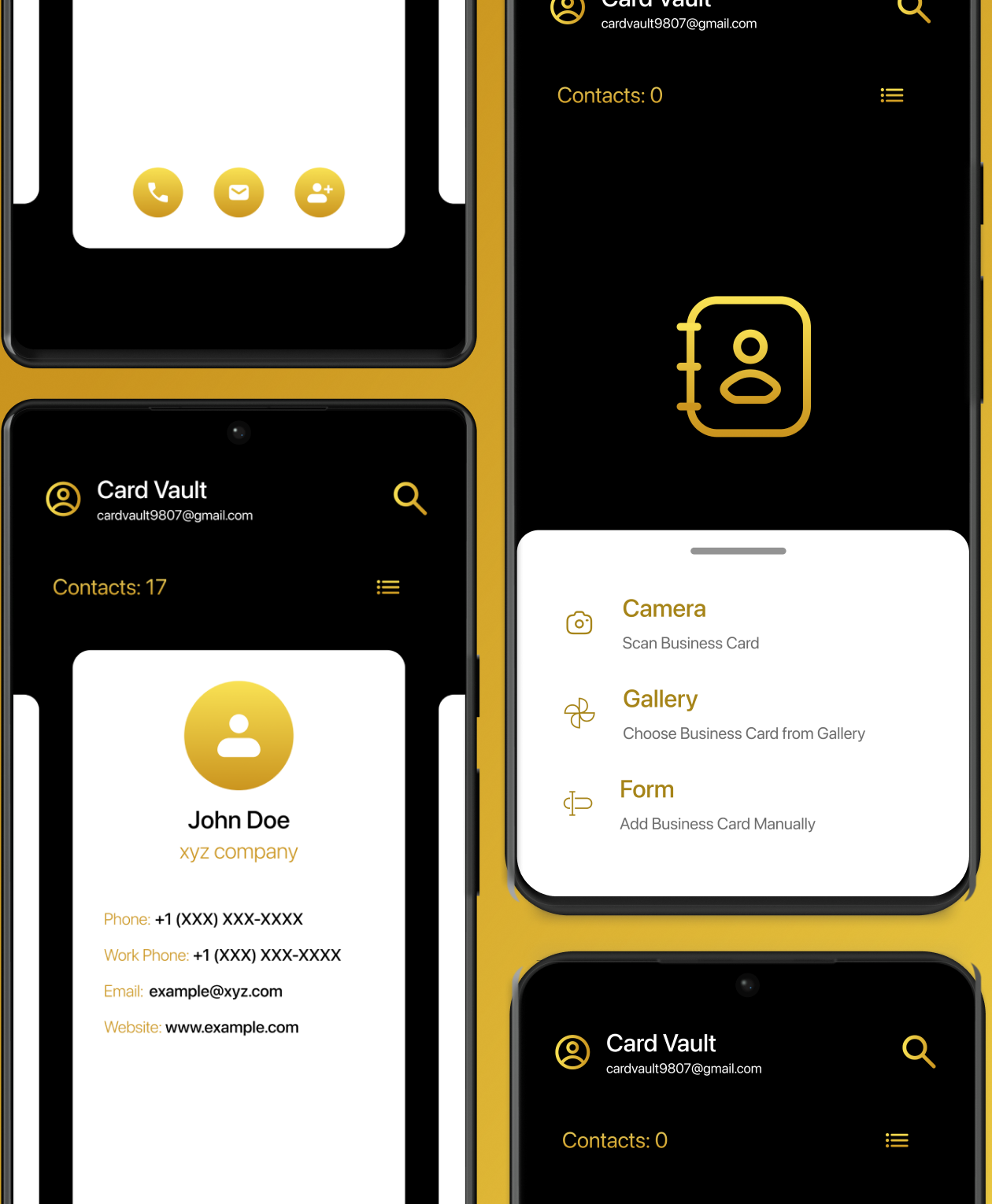
Open Card Vault and tap the camera. Point it at any business card — the app's intelligent capture reads the card instantly. Already have a photo? Import it directly from your gallery. No card in hand? Type the details manually in our clean, intuitive form.
Review & Refine
Card Vault extracts every field — name, title, organisation, phone, email, and more. Review the captured details, make any edits, and save. Your card is now permanently part of your vault, indexed and searchable from the moment it arrives.
Search Instantly
Hundreds of cards, one search bar. Type a name, company, or role and Card Vault surfaces the right contact in milliseconds. Your professional network becomes as searchable as a web search — precise, instant, effortless.
Contact via Email Instantly
Send emails directly from saved cards.
Calls in One Tap
Call any saved contact directly from the card.
Connect & Sync
From your vault to action in a single tap. Sync the contact to your phone's native address book. Card Vault bridges the gap between storing a contact and reaching them — no switching apps, no friction.
Begin Your Collection
Free. No subscriptions.

 Coming Soon